G1 Plus


 Free download for Windows

Champion select
Get ahead in draft
Suggestions ranked by your lobby, runes and builds in one click.
The GamerOne Desktop App is live.
Draft assistant, overlay and quest tracking in one app.
 Download for Free


 WINDOWS · FREE · 64-BIT
From champion select to the end of the match: draft assistant, in-game interfaces, the AI Coach, professional stats, your collections and automatic quest tracking — in one lightweight app.
Windows may show a warning because it doesn't recognize the app yet: click “More info” › “Run anyway”. This only happens on first install; updates come from inside the app.
 Vanguard compatible
 Doesn't touch game files
 ~2% CPU, doesn't affect your FPS
 Every interface is configurable


 WITH PLUS More questions · 1.6× multiplier
Five moments, five different kinds of help. The app knows which phase of the match you're in and shows you only what's useful right then.
Champion select
Suggestions ranked by your lobby, runes and builds in one click.

Loading screen
Today's focus and the quests that will progress in this match.

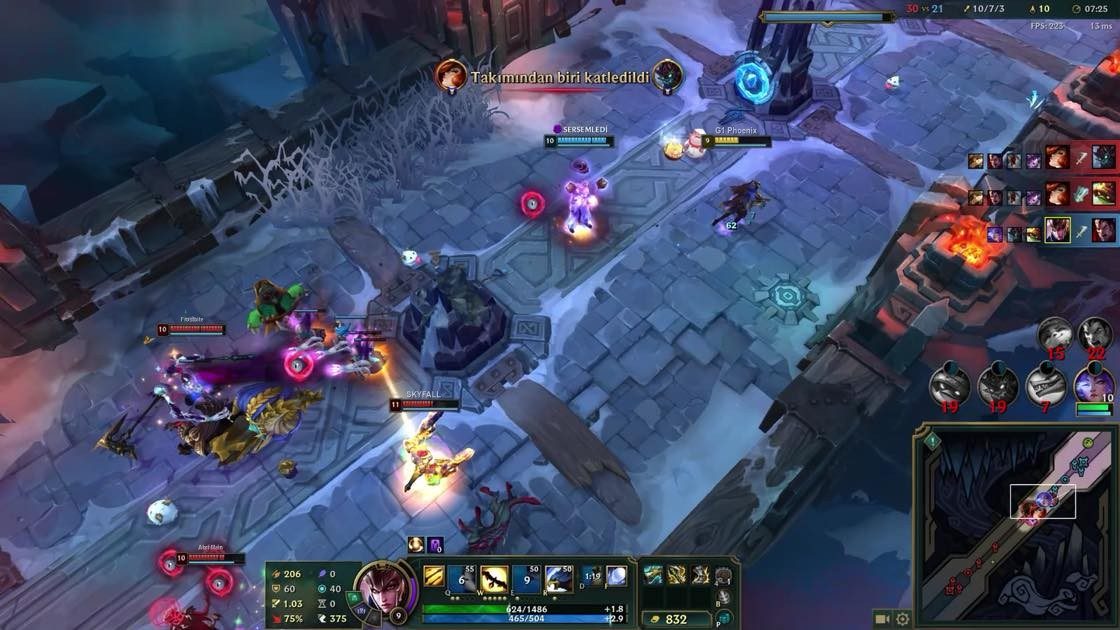
In-game
Objective reminders, comparisons, item suggestions.

Death & base
Goal status and a short note from your coach; silent during fights.

End of match
Professional stats, the coach briefing and quest rewards.
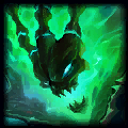
Picks sorted by your lobby and role, with one-click rune and item import. On the loading screen, the coach shows today's focus and the quest system shows the quests that will progress in this match.
 Pick suggestions sorted by your lobby Rune & item import in one click Coach: Today's Focus card G1 quests that will progress in this match
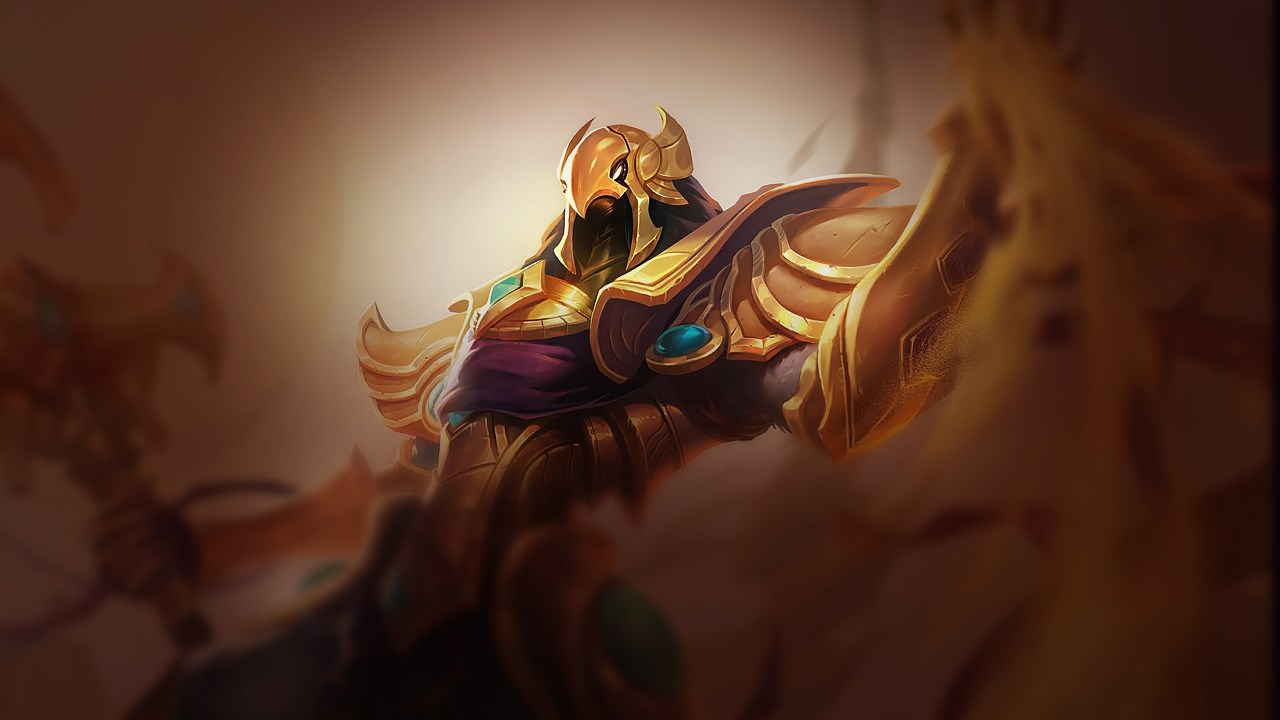
Choose your champion
8s left to pick

Dr. Mundo
51% 28,104 games

Azir
47% 28,104 games

Graves
51% 28,104 games
Turn them on or off, assign shortcuts, and drag them wherever you like with the overlay editor. During team fights, notifications wait in a queue; the score and FPS areas are never touched.
Performance Benchmark Tab
Compare your live stats against the pro average.
Objective Reminders
Alerts you 30 s before Dragon and Baron spawn.
Objective Capsules
Dragon, Voidgrub and Baron spawn timers at a glance.
Win Probability
Read the power balance between teams at a glance.
Item Suggestions Alt
Shows the next step of your build, with options.
Objective Buffs
Who holds Baron or Elder, and how long is left.
Ability Suggestion
The ability you should level up next.
Ward Reminder
Don't forget to swap your trinket.
 AI COACH · FULL POWER WITH PLUS
Throughout the match, the coach quietly tracks only your goals. When the match ends, it flags the key moments, gives you one focus for your next game and answers your questions with your own data.
Free
≈4 questions / dayStarter
≈8 questions / dayPro + 4-week development plan
≈12 questions / dayElite + development plan
≈16 questions / dayThe coach only uses your own performance; it doesn't dictate decisions in-game or show hidden information about opponents.
Sample end-of-match screen: Phoenix won a Flex match on Vex. 2/8/3 KDA, 83% kill participation, 5.5 CS per minute, 11.8k damage, 8 vision score. Quest summary: +65 G1P earned.
The scoreboard, damage and gold distribution, team comparison and your G1 score on screen the moment the match ends. Your quests are verified with Riot data and the G1Point goes to your account.
See the skins you own and the ones you're missing by rarity, champion and acquisition date; track the ward collection on the same screen.
Skin collection
68% complete
Sample data
G1 PLUSThe app is free. With Plus your coach talks more, and every match earns you more.
 Coach questions ≈4 → ≈16 / day
 G1P multiplier 1.2× – 1.6×
 Daily quests 6 → 14
 Development plan 4 weeks, Pro and Elite

Uses only the Riot API, Live Client Data and the LoL client's own interface; no memory reading. Auto-accept and rune import only run if you turn them on.

Designed according to Riot's rules for third-party applications.

Hardware-accelerated coding, ~2% CPU; runs in the background without affecting your FPS.

On/off, position, transparency and shortcut for every interface and notification.


Coming soon  Recording & clips: record your matches in the background, automatically clip key moments, and have your coach explain those moments alongside the clip.

Download for free, sign in with Discord, link your Riot ID. Two minutes.
Windows may show a warning because it doesn't recognize the app yet: click “More info” › “Run anyway”. This only happens on first install; updates come from inside the app.
League of Legends and Riot Games are trademarks of Riot Games, Inc.

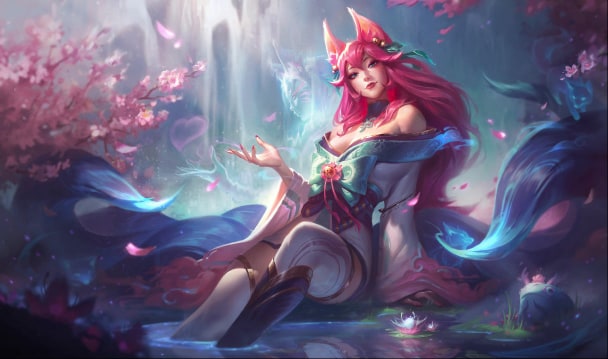










 OWNED


 MISSING